


A Wii U-style HOME menu for your Switch.
HomeNX swaps the Switch's HOME menu for a Wii U-style one. Your games, your console's News and Friends, Miis, the eShop and Sphaira are all one button away. Free and open source.
 Settings
 Sleep
SleepEverything on your Switch, Wii U style.
Your installed games fill the grid, with folders and widgets. Ten side buttons open the rest, and you choose their order.
- GAMESThe games on your consoleReal icons and names, launched with the profile you picked. Rename any game that shows up wrong.
- NEWSYour console's own News and FriendsRead the news saved on your Switch, newest first with unread dots. See your friends and add new ones.
- HBSphaira, in application modeOne button opens Sphaira with full memory, no holding R over a game. Set up a second button for any homebrew you like.
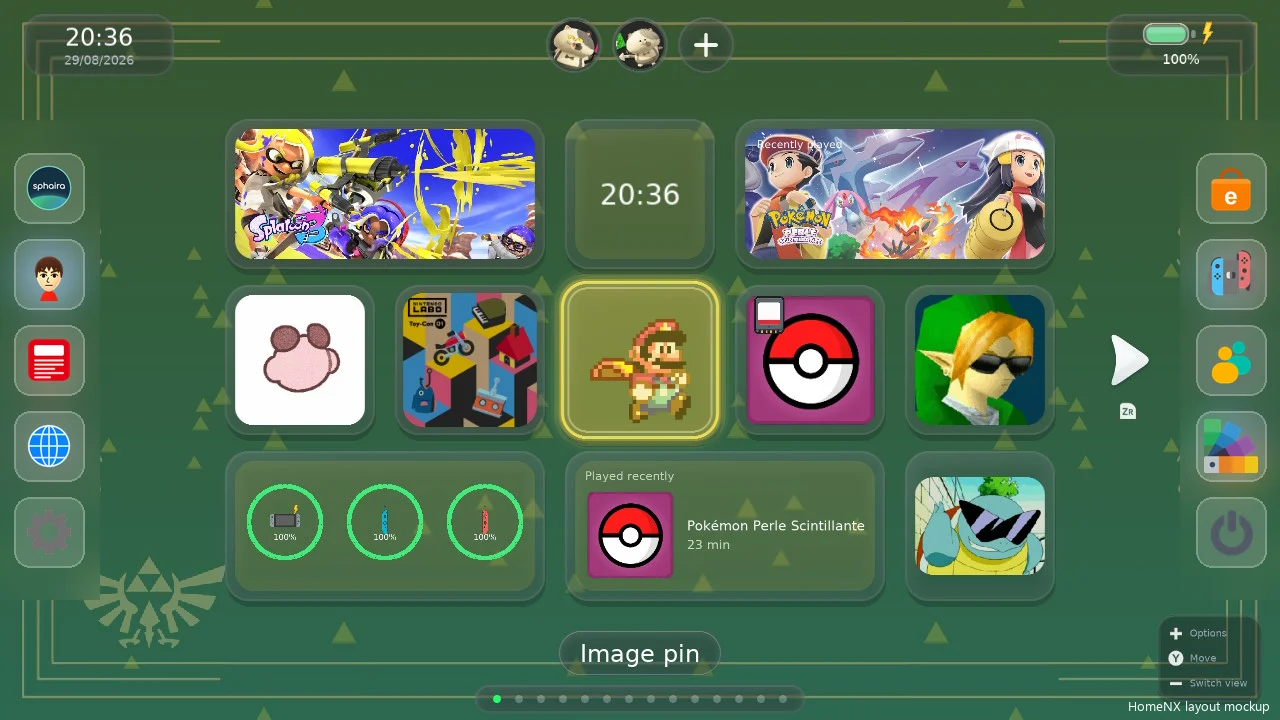
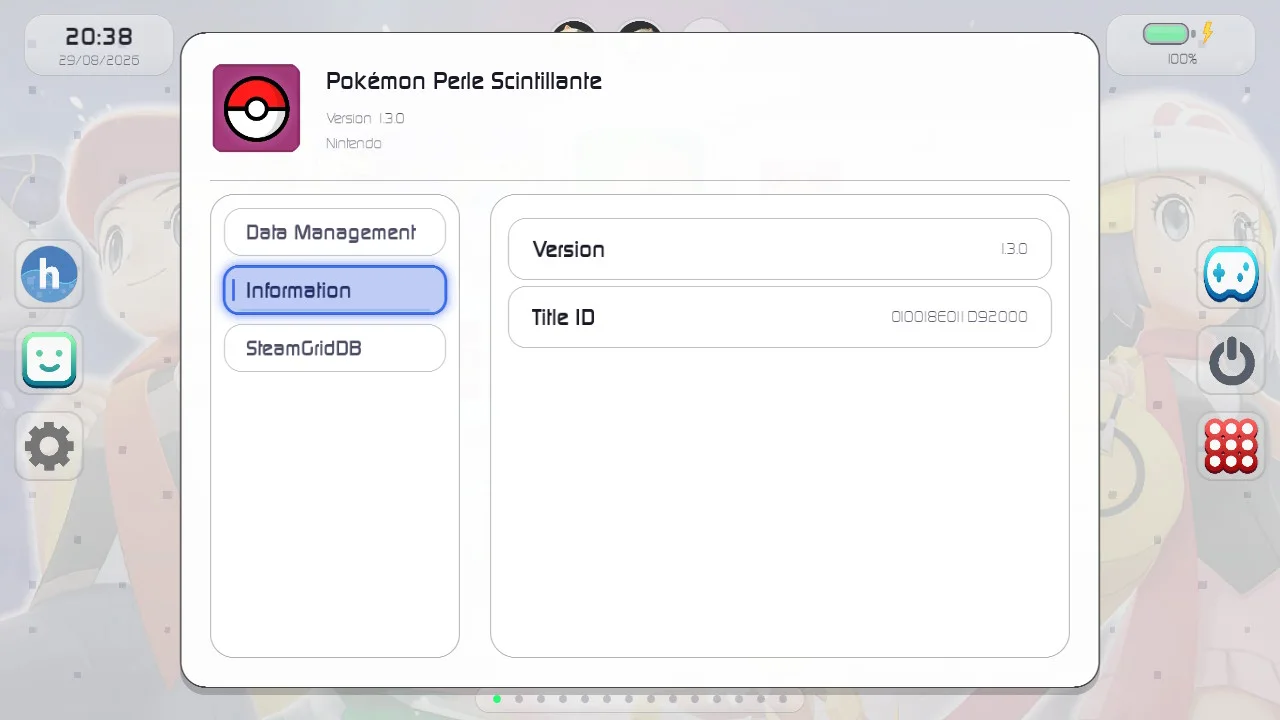
A HOME menu that does more.
- Real Mii faces on your Miis, plus create and edit
- Controllers menu: grip/order, find controllers, test
- Nintendo eShop with the profile you chose
- Friend requests and adding friends
- Custom button with any .nro and your own icon
- Side buttons in any order you like
- Quick Settings and music on R
- Delete pages or remove all the empty ones
- 60 FPS mode, or the full liquid-glass look
- Updates on the console from Settings or HomeNX Toggle
- Turn it off any time, no PC needed
- Themes from the built-in Theme Shop
On your SD card in a minute.
You need a Switch running Atmosphère. There's nothing to sign up for.
- Download HomeNX-frontend.zipFrom the latest release on GitHub.
- Extract it to the root of your SD cardIt adds
atmosphere/andswitch/folders. - Restart the consoleHomeNX is now your HOME menu.
- Update from the SwitchSettings, HomeNX, Check for updates. HomeNX Toggle in your homebrew menu turns it off and on.
sdmc:/
├── atmosphere/contents/
│   └── 0100000000001000/   HomeNX
├── switch/
│   ├── SwitchU/             its files
│   └── HomeNX-Toggle/       on/off, updates
└── hbmenu.nro              HomeNX Loader
Two ways to run it.
Replaces the Switch's HOME menu. Everything works, including launching games and Sphaira in application mode.
HomeNX-frontend.zipA normal .nro you open from your homebrew menu, to try HomeNX without changing anything. Open it over a game for full features.
HomeNX.nroIf the console ever stops at a black screen, put the SD card in a computer and delete atmosphere/contents/0100000000001000. The normal HOME menu comes back.
HomeNX is still in testing. Expect bugs.

Built on SwitchU by PoloNX, and ships Sphaira by ITotalJustice. Thanks also to Atmosphère, libnx and uLaunch. HomeNX is GPL-3.0.
Make HOME yours.
Free, open source, and one zip away from your SD card.